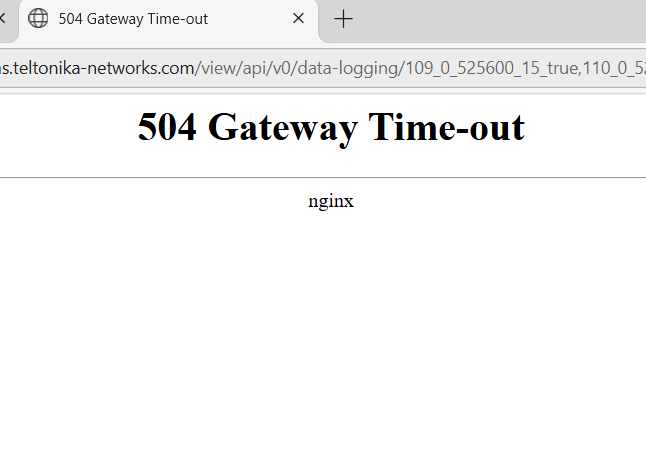
Hi, I’m a user of the Groov View Software, and I have multiple interactive trends analysing a heat-pump system over a 4 week period in 1 second intervals. I am looking to download the data, however, in doing so the page loads for a while before stating it is unable to load the page. It was working until recently, however, it is now throwing this error .
Why might this be, how do I resolve this issue
Thank You
There’s a general 30 second timeout window; the trend downloads are normally easily fast enough to fit in that, but under heavy load maybe not. You can try and speed things up by downloading one data set at a time: just uncheck all but one while downloading.
Hello, I have been going through previous forums and ive came across the following forum where you mention there is a glitch in the URL however changing the apiKey to api_key, doesn’t do anything different. Now I’ve tried this and its still not working. Maybe ive done something wrong now forgive me for my lack of understanding, but has this any reason to the url isnt working, maybe the url expires berfore I have it switched in/out?
The URL doesn’t expire, and you don’t need to mess with the API key in it. Your logs indicate that one or more of the trend data sets you’re trying to download has a gap or some invalid data in it, and while trying to download it something goes wrong. It’s a known bug that was first reported about 6 weeks ago and we haven’t published a fix for yet.
To work around it, uncheck all but one of the data sets and download it, then repeat for the others. You’ll have to re-combine them in a spreadsheet manually, but you should find one that doesn’t have a full set of data in it.