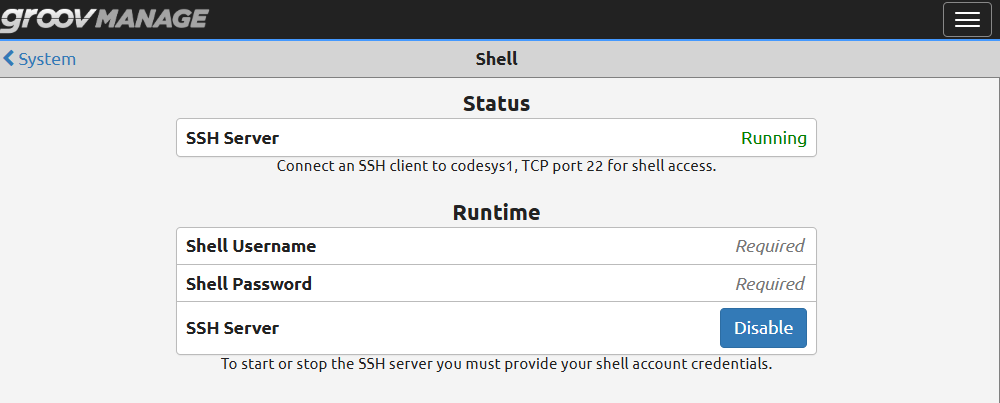
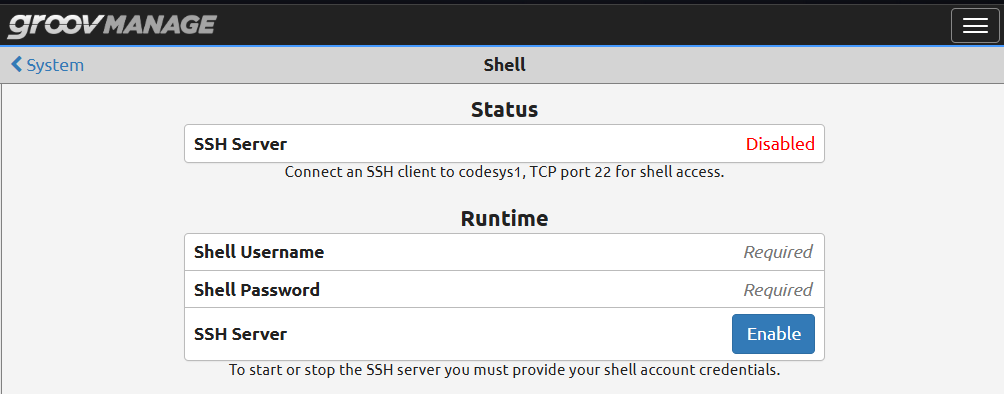
After installing the EPIC license with SSH access and modifying node-red/settings.js, I would like to disable SSH access (to maintain security posture).
Can I simply restore the non-SSH license?
I don’t think that would remove the associated username and probably would not disable SSH access.
What would happen if I re apply the SSH license? Would it require re-entering a username and password? Would it have to be a new username?
After logging in with the new username I could delete the old one.
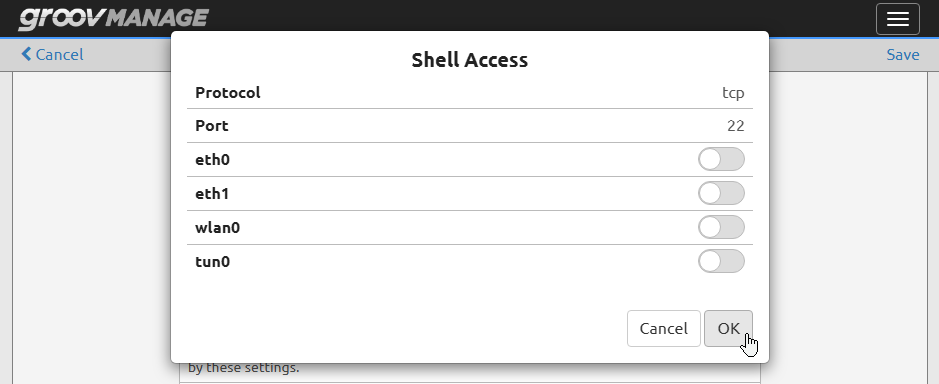
Another option for anyone checking out this thread: if you have groov Manage admin access but do not have the SSH account username and password, you can also “disable” SSH by just turning off firewall access for the SSH port 22.
(It’s essentially the same as turning off through the shell menu, just be aware that it can be toggled back on just as easily with Manage admin account access.)
I have had servers (not EPIC) running server OSes that include sshd and telnetd in the base install. Both sshd and telnetd were packaged in a group with essential OS packages, and the package manager did not permit uninstalling one or both packages without uninstalling the group of essential packages. I worked around the tight dependencies by removing sshd and telnetd from the file system with the rm command and not through the package manager.
This may cause problems using the package manager and sshd may be reinstalled by the package manager, but in your case you won’t be using the shell anymore, and last time I checked upgrading EPIC firmware does not make use of the package manager for firmware upgrades or downgrades. Removing sshd from the file system and rejecting traffic on the port in the firewall is the most secure option. Note that the Shell Access page in groov Manage will no longer work correctly as the presence of sshd is a prerequisite for that page. You will not be able to enable shell access without reinstalling EPIC firmware. Do not attempt in production without testing out of production.
Consider removing ssh client software, but of course ssh client can’t be used from an EPIC by a bad actor without compromise or partial compromise.
The motivation for removing sshd is to prevent enabling sshd as part of an attack chain.