I was hoping this would be an easy solve, but I contacted Opto support earlier today and they were also unable to figure it out…
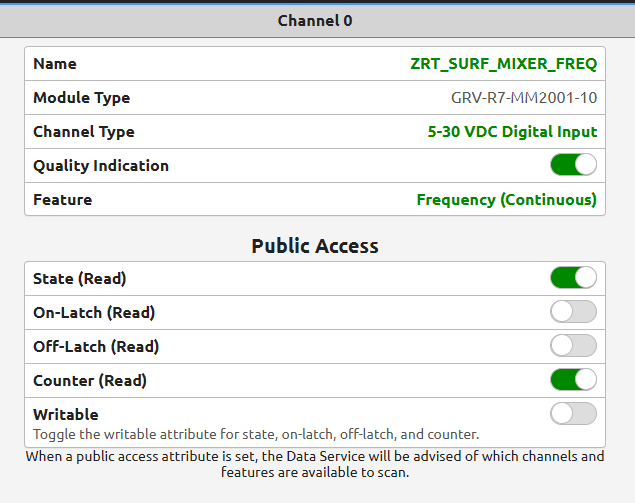
I have Ch0 of my Rio (firmware 4.1.1-b.102) configured as shown below, for frequency measurement, and it’s displaying the value properly in Groov manage.
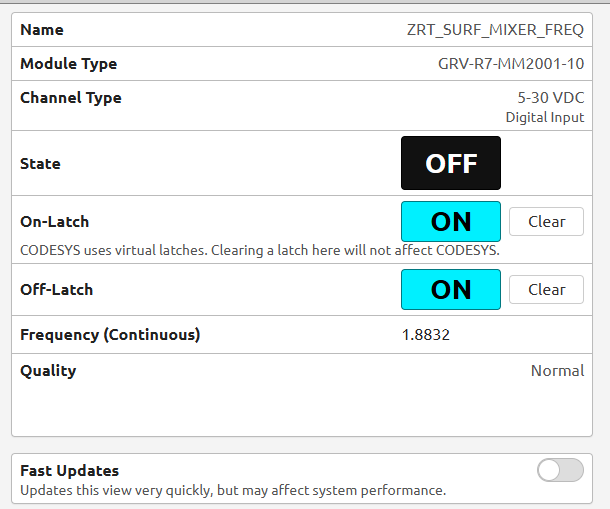
I would like to handle this tag in Ignition, but I when I tried to make the IO publicly available, there’s no option to publish the Frequency measurement. I can see the State, On/Off Latch, and Counter tags in Ignition, but not Frequency.
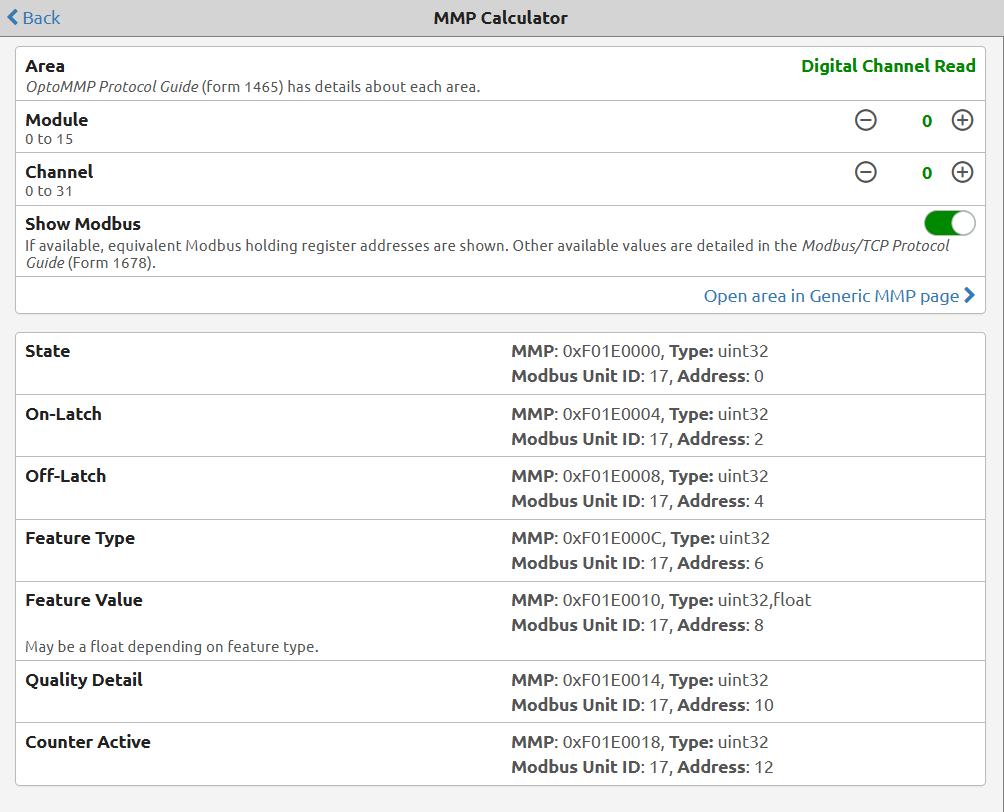
I then scoured the Rio manual and Opto Modbus manual, trying to identify in which register/MMP location (if any) the Frequency value lived, thinking I could grab it via Modbus TCP. Also tried to get the value via Node Red, to no avail.
My last thought was that I could configure the Rio as an IO module in PAC Control running on an Epic controller that I have on this network, but that feels really kludgy and I have to think there’s a better way.
Am I missing something? Please help!