
Hello,
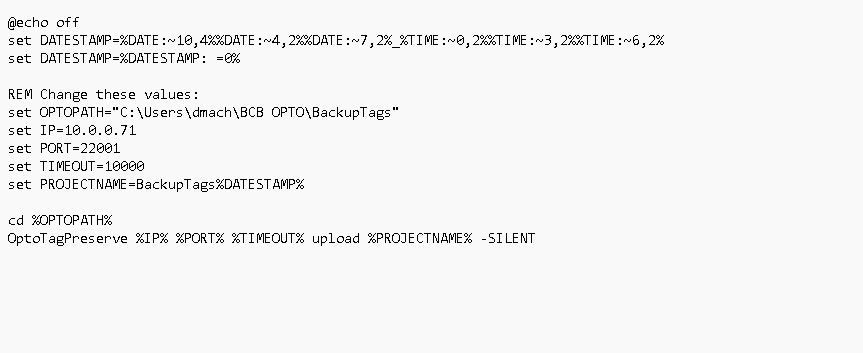
I’ve made a short batch file to “upload” my controllers variables to a “.tagarchive” file - works great.
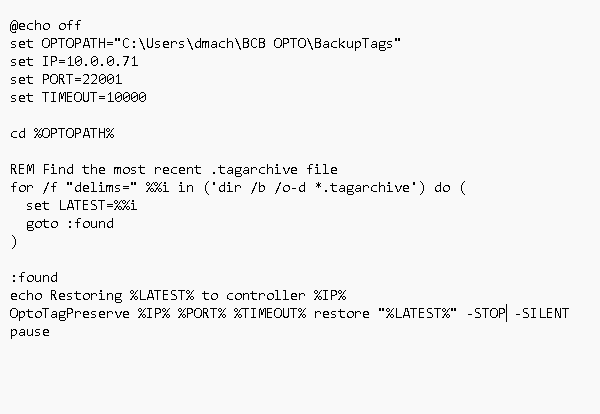
When I run the opposite command “Restore” - it does restore the tags, but then I get a ethernet socket error, the controller disconnects, and there’s no real clear cut way to get it working again.
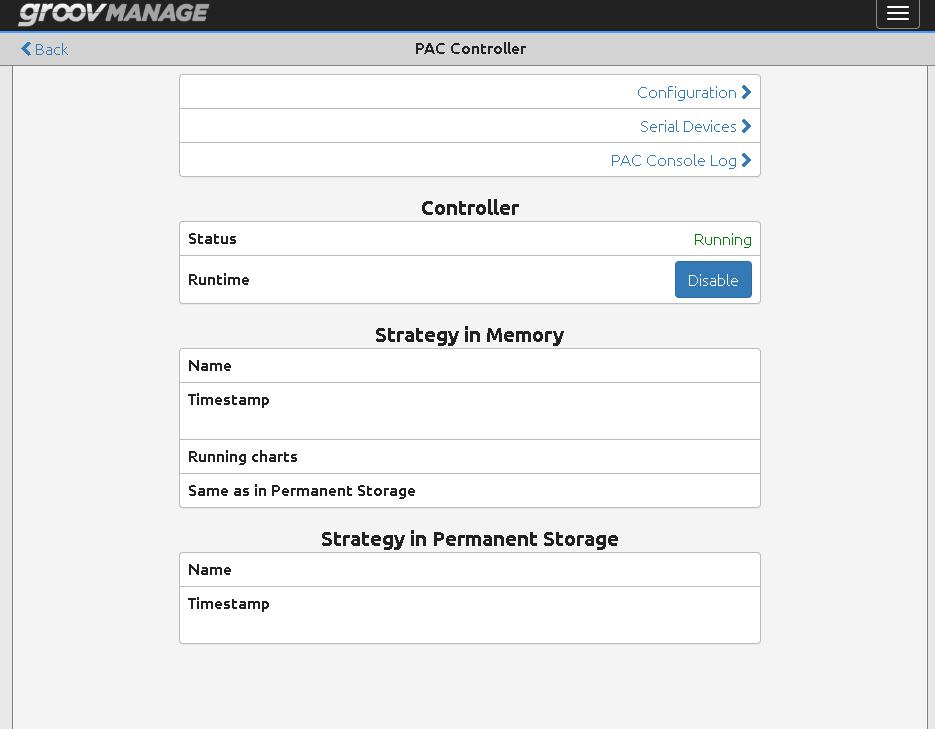
Switching over to Groov Manage - I just see blank lines on the PAC Controller ”Strategy in Memory” area. If I “disable” the controller and re-enable, sometimes, that works allowing me to reconnect and, reboot the strategy. Other times, it remains blank. I’m assuming that I’m doing something incorrectly, because I don’t see anything about this in the “OptoTagPreserve Command Line Utility” technical note.
Q’s: Is this normal functionality? If not, anything glaringly obvious that I can fix? Last, are there any API commands related to stopping / starting the strategy that could be used to automate the “restore” function?
Thanks,
Dan