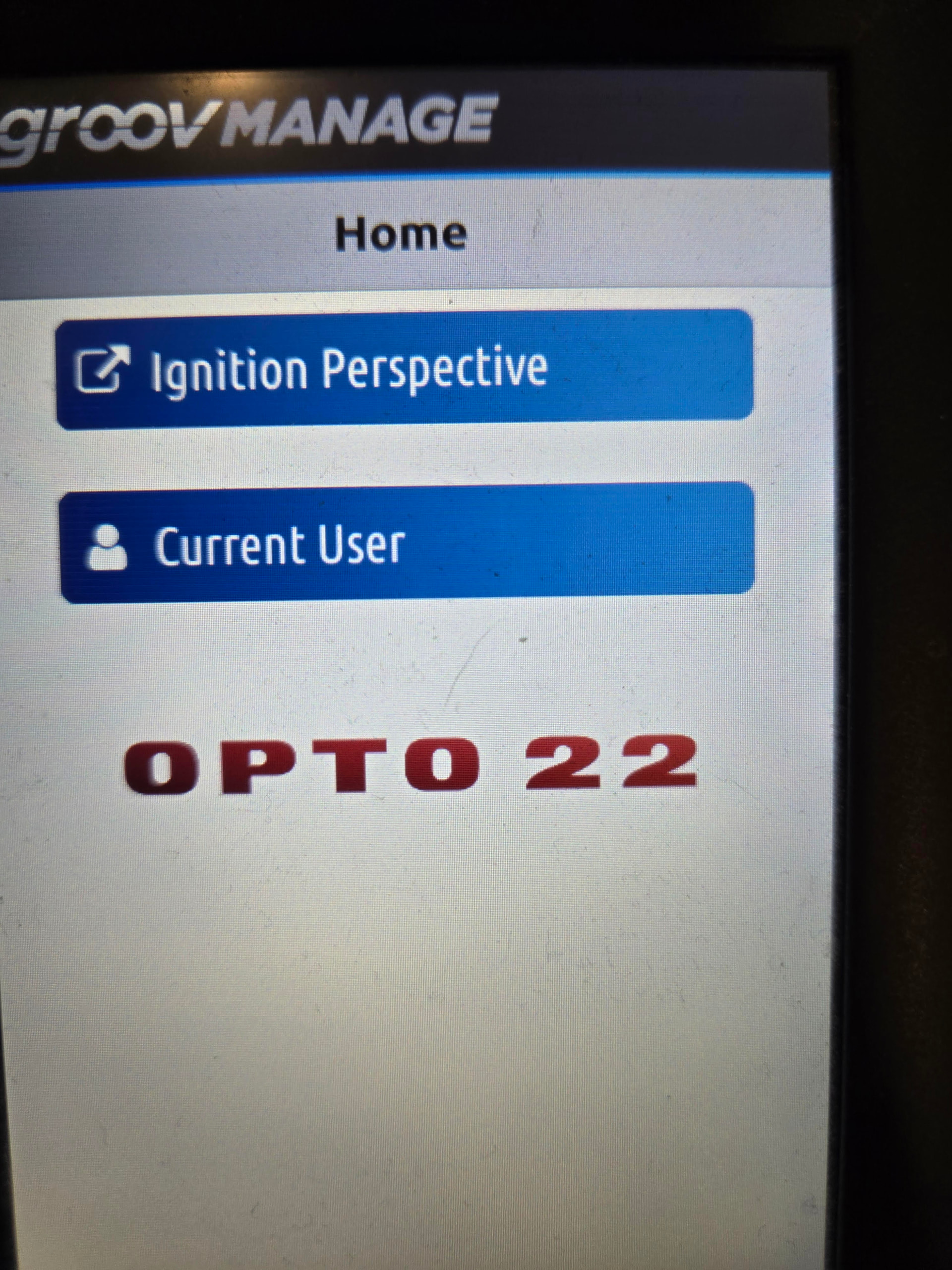
Hey guys. I am developing Ignition Perspective screens in a Groov Epic to make these the main screen for our control system. However I realized that I don’t know how to have my screens be the first thing that shows up during powerup. Is there a way to do this?
As long as you are running at least v4.0 you can run the Perspective sessions directly on the front display. There is a link under the Ignition page in groov Manage, but this requires an admin login. As of firmware v4.1 we have added the ability to login and directly launch the perspective session. The user created does not need any permissions, and will not have access to any of the groov Manage features.
1 Like
I see, this helps, but I would still need someone to log in. I’m hoping there’s a way to have the controller start up and launch the perspective session without user input.