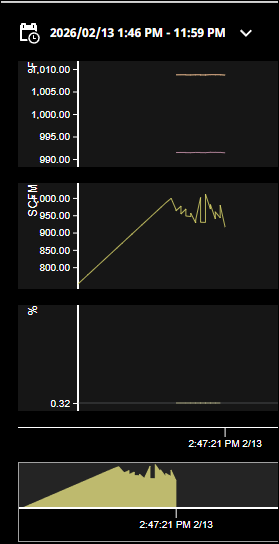
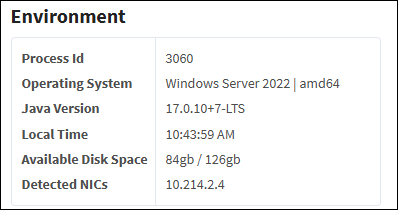
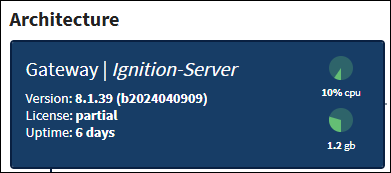
I have an Edge device talking to another Gateway. My main Gateway showed the edge device connected. Some tags were updating historical data and others were not (store and forward). When I tried to access the edge system it kept saying it was trying to stop. I eventually had to reboot, but appear to have lost some data.
Has anyone experienced this? I am worried we may need to install a PC and remove the Opto 22.
Can you please provide some further clarification? What edge device are you using? Ignition version? Firmware version? When you say “it kept saying it was trying to stop” where did you see that message?
I don’t know of any widespread issue on our device that would cause this. I would suggest opening a product support ticket with support@opto22com so we can try to recreate any issue you are having.
I have a Gateway Network to a an Opto22 Edge Device. Edge device is v 8.1.21.
When you reboot Ignition you go to a waiting screen. When you go the portal, it will show Ignition Starting. Instead of saying starting, it shows stopping. Like it is shutting down to reboot.
It appears some historical data was missing from several tags. While others have data.
Occasionally I run into an issue where data gets quarantined. And says duplicate key. I have seen that.
This thread is about 8.3 sync issues, but trying it or contacting IA Support and referencing it might help.
Bear in mind a Groov/RIO is a PC. Just an IPC (Industrial PC). There is no difference in a Groov EPIC and an OnLogic for example other than the added screen, IO, etc.
Your issue does not stem from Opto hardware. It is an Ignition issue.