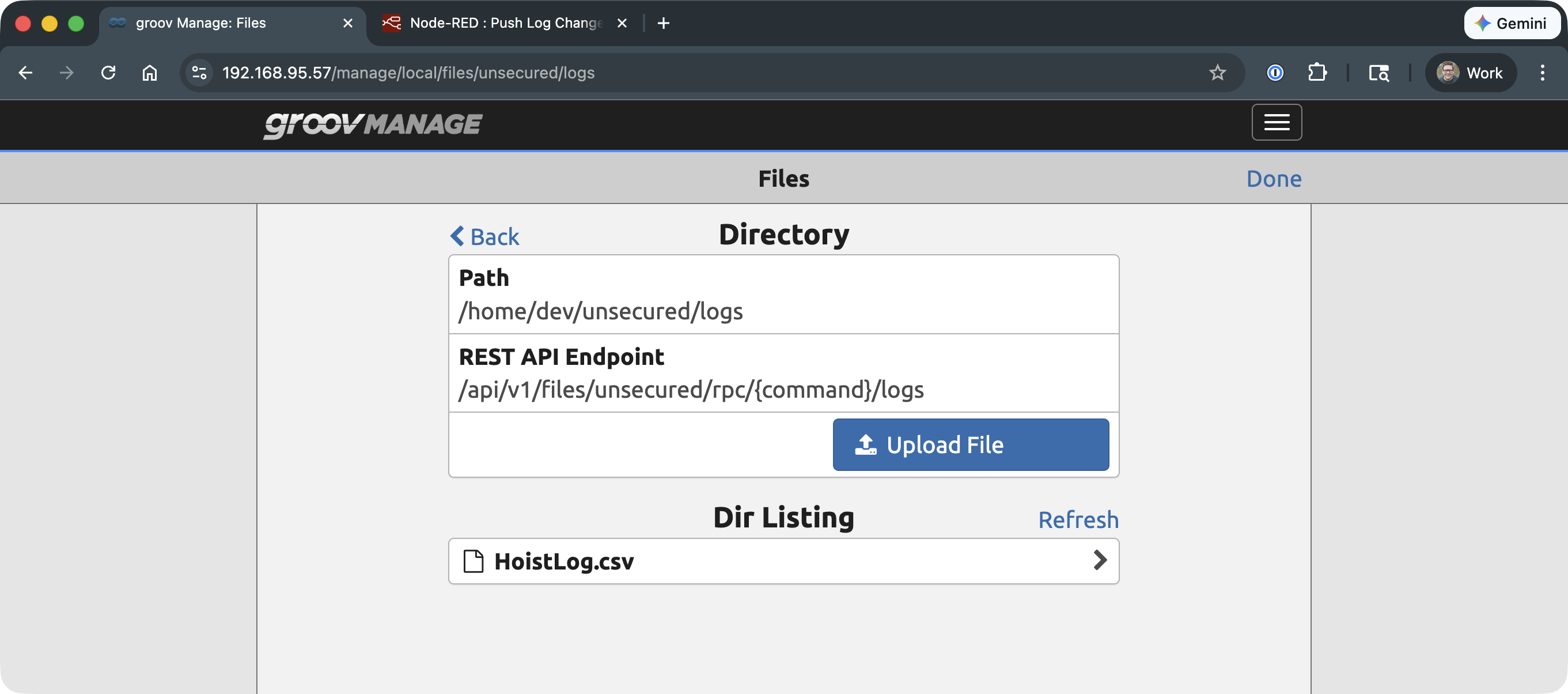
I have a codesys program on a groov epic that am trying to get data to a USB key.
From a previous post it seems that Codesys program cannot access the USB Key directly on the EPIC without doing some SSH changes to allow this.
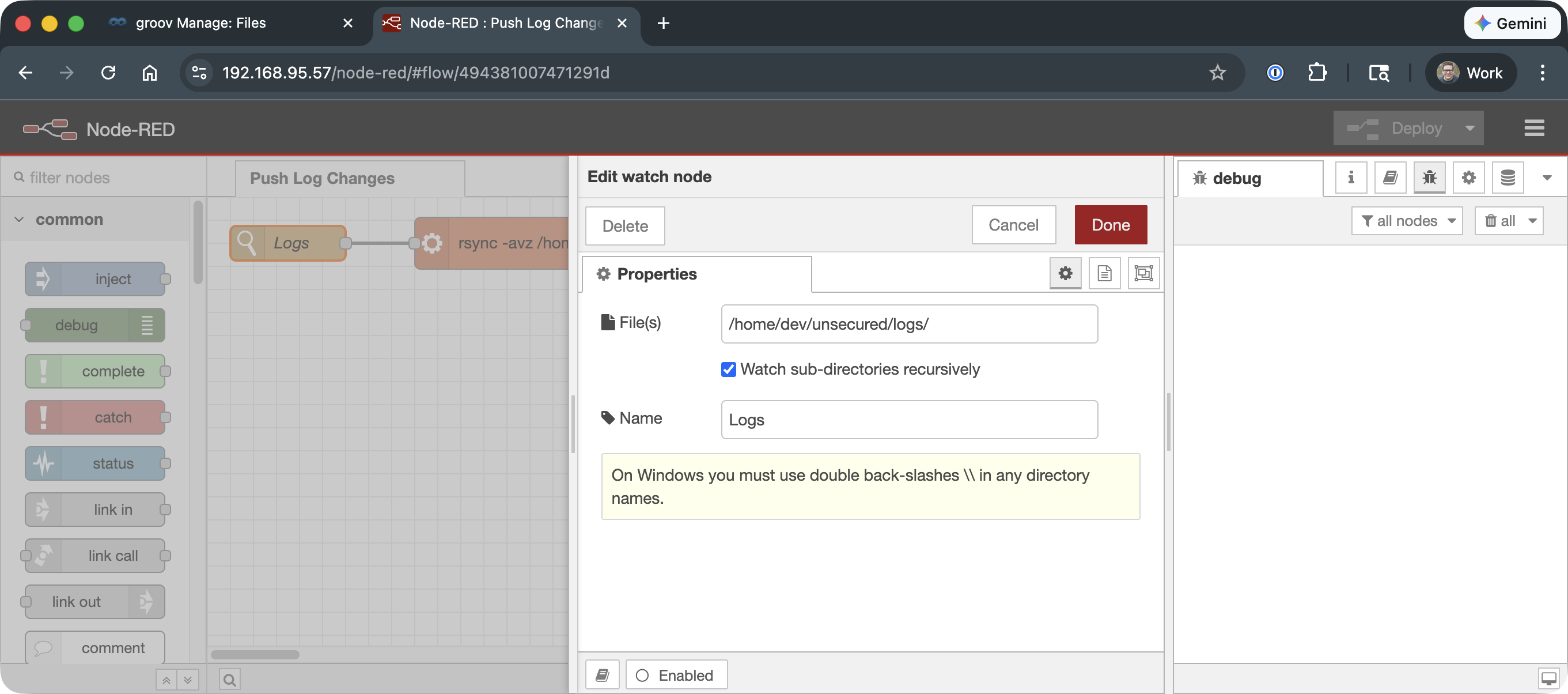
I am looking at using NodeRed to do this.
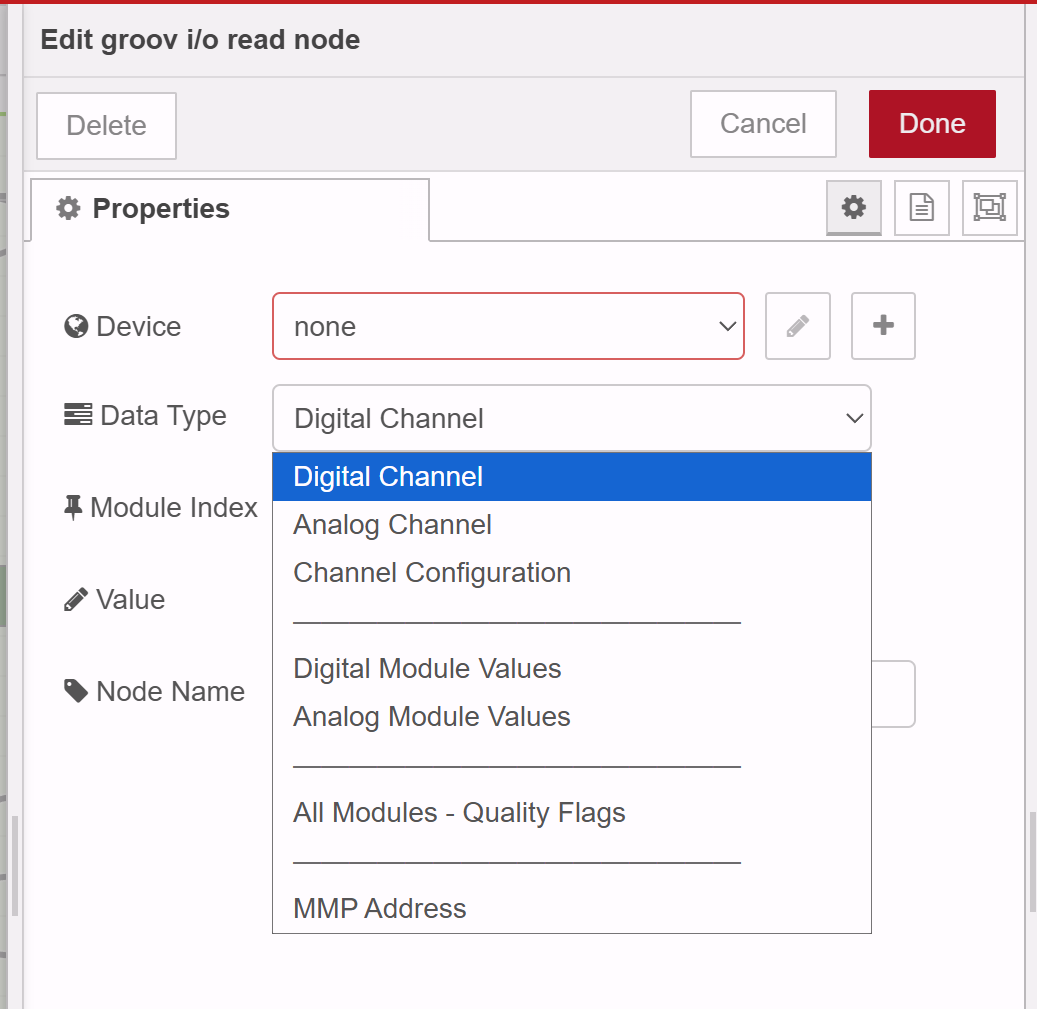
The problem I am facing is that from what I have read there is no way to move data from from the OPC-UA tag to the data store tag which NodeRed reads.
If anyone has any ideas on how to achieve this, it would be greatly appeciated.
There are a number of ways to accomplish this. If you are dead set on using OPC UA to move the values from CODESYS into Node-RED, you should be able to use OPC UA client node to read values from the OPC UA server in CODESYS and pull them into Node-RED. I found a video online that looks like the one https://www.youtube.com/watch?v=-4tb73oWGxM